SP Photo Station

The whole operation, on one platform.

SP Photo Station replaces the capture app, the editing tool, the print queue, the POS, the booking system, the staff scheduler, the time clock, the hiring tracker, and the analytics dashboard you're running today. One platform. One audit trail. One bill.

The pitch in one paragraph.

Most venue photo operators stitch together five to ten tools to run a single venue: a capture app, a folder-watch service, an editor, a print spooler, a customer gallery vendor, a POS, an appointment system, maybe Excel for scheduling, maybe Google Sheets for time tracking, maybe a separate hiring system and DocuSign account. Each tool adds integration debt. Each integration is where data goes wrong, payouts go wrong, sessions get lost, and customer trust evaporates.

SP Photo Station is built on the working assumption that the operator shouldn't be the integrator. The whole workflow — capture, edit, composite, gallery, sell, ship, schedule, hire, contract, pay, audit, report — lives on one multi-tenant platform with consistent data shapes, a single audit log per tenant, and a single login for each staff role.

Platform pillars

What's included.

Capture, editing, and compositing

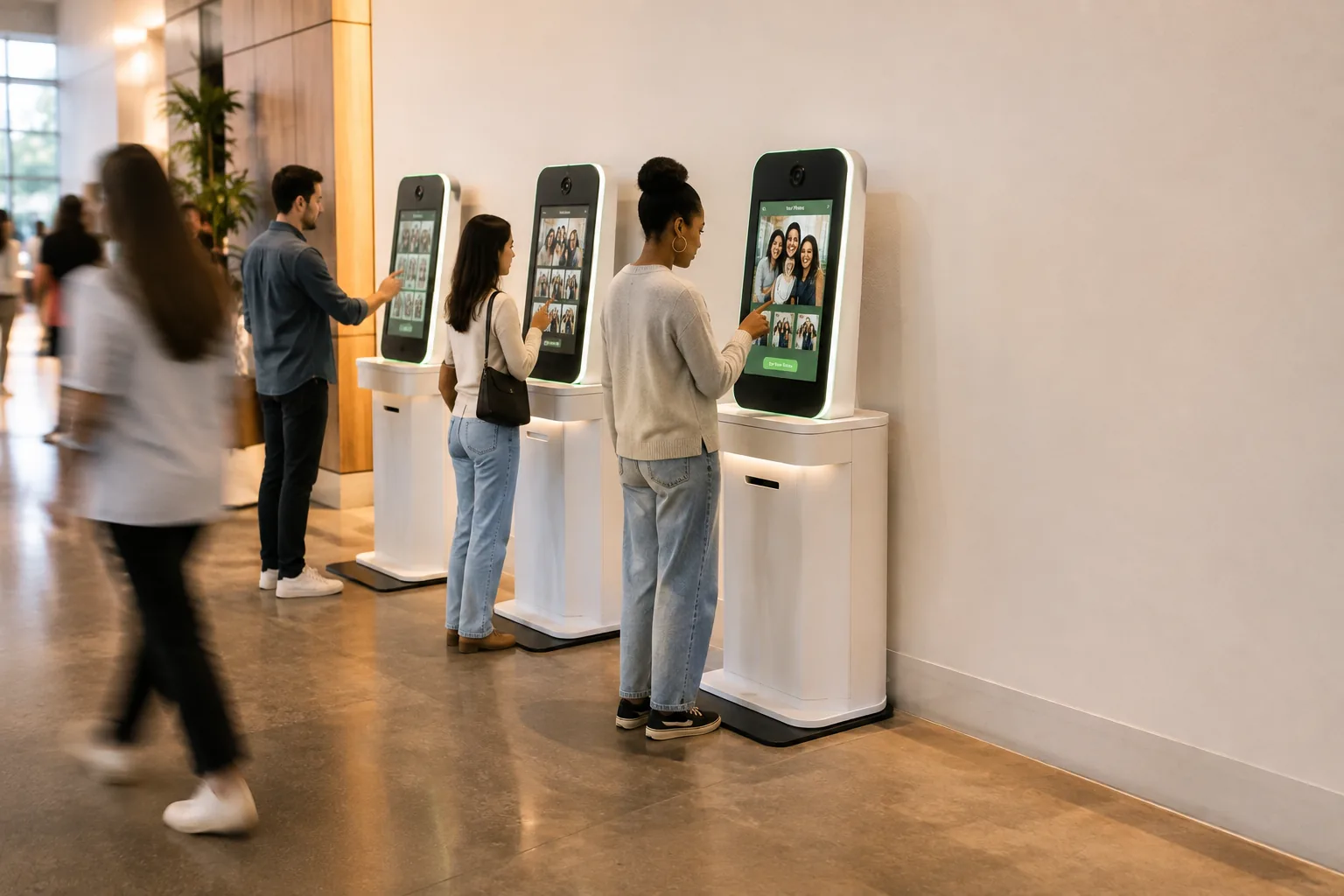
On-site capture with USB-PTP tethered cameras running through the desktop workspace. Folder-watch ingestion for fixed stations that need to keep capturing if the network flickers. Advisory locks on uploads prevent duplicates when adjacent stations shoot simultaneously. EXIF-level corruption detection on ingest catches camera glitches before they become customer complaints.

Real-time editing in the workspace: non-destructive crop and rotate, composite preview against branded border templates, live green-screen chroma-key replacement via WebGL. What the operator sees on screen is exactly what gets printed. Chroma Studio deep dive →

Border library managed in the admin portal, organized into border groups per location, season, and event type.

Inventory: §B.1 + §B.2

Customer galleries and sales

QR-code or SMS-linked galleries per session. The QR is canonical uppercase but lookups are permanently case-insensitive so receipts printed three seasons ago still resolve correctly. Eleven tables enforce this with CHECK constraints; two functional indexes keep lookups fast.

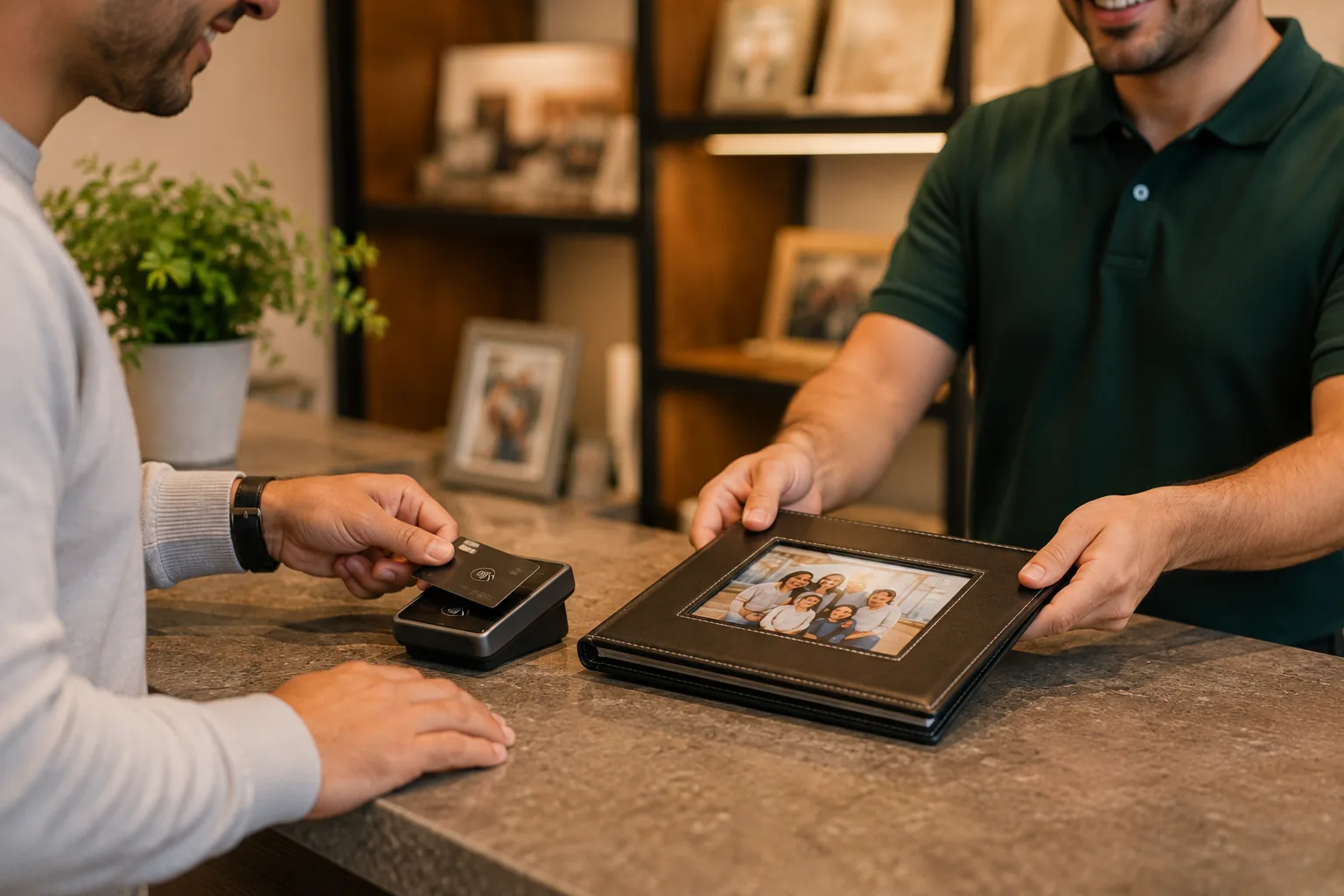
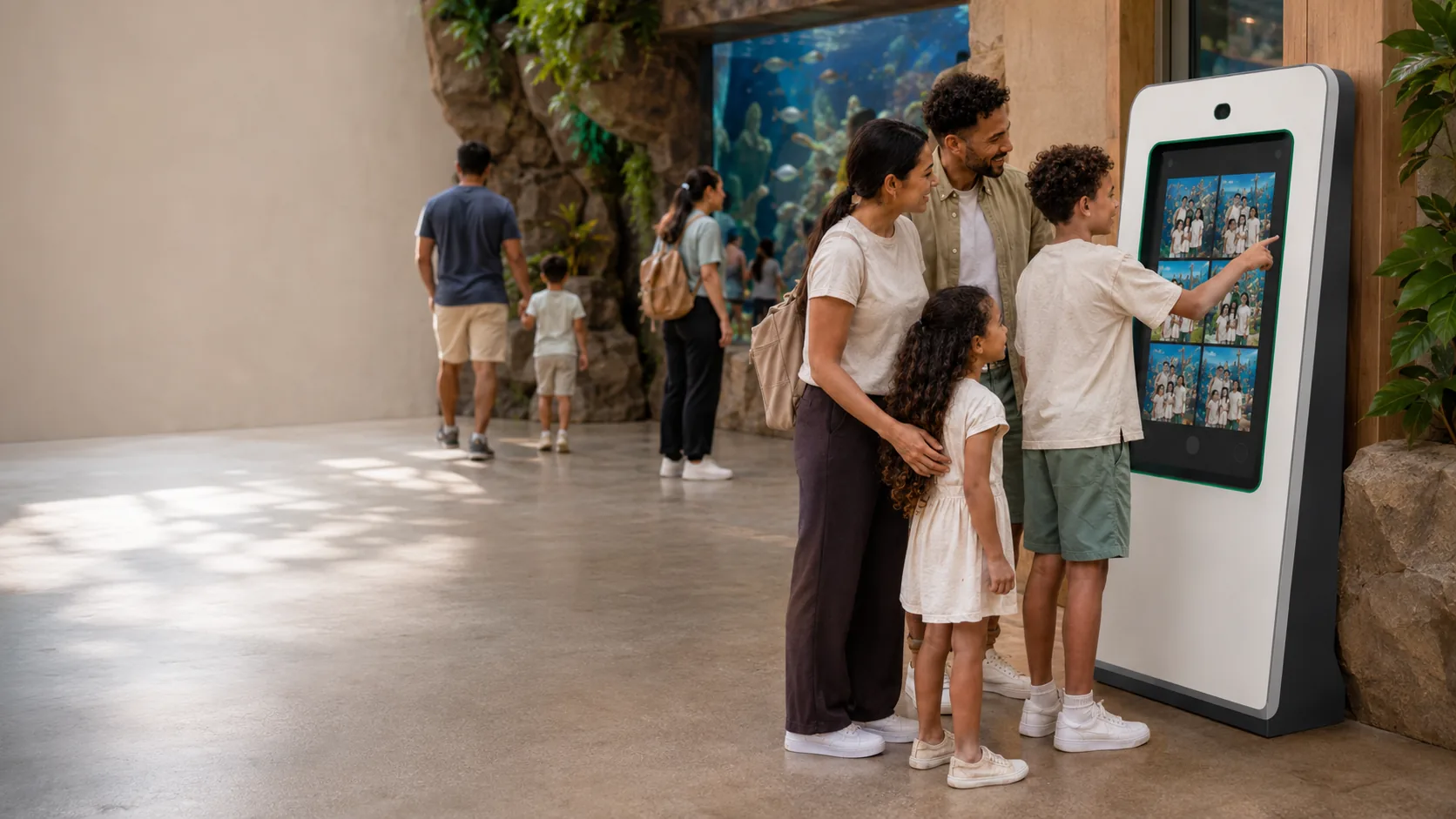
Multi-select cart, print packages, digital downloads on the same gallery surface. Integrated off-site print-lab fulfillment for larger formats. Customer flow optimized for the family walking out of a Santa visit with two melting ice creams and three minutes of attention.

Inventory: §B.3

Appointment booking

Per-venue availability windows with configurable slot duration (5-60 min), max bookings per slot, blackout dates, per-date overrides. Double-booking prevention is atomic at the database level — PK collision on appointment slot occupancy enforces single-session-per-slot.

Schedule-driven slot derivation: when you publish shifts, the platform auto-generates booking slots from them. Per-venue toggle lets each location pick its operational model.

4-stage visit lifecycle — checked_in_at → photo_session_started_at → viewing_started_at → session_completed_at. Append-only, idempotent. Operators always know where every customer is in real time.

Notification outbox with exponential backoff (30s → 2m → 10m → 1h) ensures reminders reach customers even when dispatch restarts mid-send.

Inventory: §B.4 + §B.13

Staff scheduling and time

Shifts posted by venue, claimed by staff against published availability, or directly assigned. Recurring templates publish forward weekly. Shift cancel guardrails prevent orphaning customer bookings — shifts with active reservations can't be bulk-cancelled.

Time clock with in/out punches, break tracking, full audit history. Reliability grades aggregate four signals per staff member (attendance, photo critique scores, sales effectiveness, customer ratings) into a single rolling score updated every minute. Business Operations deep dive →

Inventory: §B.5 + §B.6

Hiring, onboarding, and contracts

Hiring pipeline moves candidates through applied → personality test → interview → offer → onboarding → hired. Offer generation auto-mailed with mail-merged location and dates.

Multi-role contract signing via Stripe-backed e-signature or native browser signature capture. Auto-mailed reminder cron sends three emails over three days to laggard signers. Signatures persist aspect-preserving; final PDF flattened atomically.

Contracts file themselves — by year, template type, location. Business Operations deep dive →

Inventory: §B.11

Analytics and reporting

Tabbed client reports hub with five report categories: Sales (trends, items, categories, team, appointments), Visits (duration, peak hours, dwell), Labor vs Sales (per-location profitability), Expenses (cost breakdown), Staff (photo quality, sales effectiveness, working-time).

Partner dashboard scoped to the property partner's venue (Partner Portal deep dive →). Flash reports — admin-triggered live KPI snapshot, partner-notified. Historic tables — daily sales paired with daily weather for seasonal pattern analysis. Analytics deep dive →

Inventory: §B.7 + §B.9 + §B.14

The platform that runs underneath

The architecture is why it keeps working at scale.

Multi-tenant from day one

Every tenant is isolated via client_id keys on all tables. Three coexisting auth systems cover six user roles without a shared session store. Override-only permissions for high-blast-radius actions — studio owner grants per person, no role bundle includes it by default.

Append-only audit trails

Visit lifecycle, booking mutations, POS transactions, contract signings, license activations, admin actions — all recorded in per-tenant audit logs. Forensic reconstruction of any session, any mutation, any state.

Outbox-based event delivery

Feature code emits events into outbox rows atomically within business transactions. Worker drains every 5s with exponential backoff and dead-letter handling. SMS + email provider webhooks reconcile delivery state. Guaranteed delivery even across service restarts.

Optimistic concurrency

Shifts, bookings, and staff availability mutations require a version column. Concurrent edits surface 409 conflicts with current row state. No silent lost updates when manager and customer edit the same booking.

Canonical data shapes

Upload codes canonical uppercase, enforced at 11 tables via CHECK constraints, with case-insensitive read paths to keep three-season-old printed QR receipts forever-resolving. Migration drift detection in CI.

No surprise biometric features

When facial recognition ships, it will be opt-in, parent-controllable, and behind explicit consent capture. We don't surprise-ship features that need a privacy review.

Coming summer 2026

Programmatic per-venue landing pages

Every venue you operate gets its own SEO-optimized landing page — branded, indexable, schema-marked. You fill in the venue's hours, hero photo, services, and testimonials once in the partner portal. SP Photo Station handles the title formula, JSON-LD LocalBusiness schema, OG image generation, sitemap entry, and internal linking from our category hubs. Wildcard subdomain routing means each venue is its own crawlable surface.

Scope honesty

What SP Photo Station doesn't do.

Ride-integrated chassis-mounted cameras

SP Photo Station is for staffed photo experiences. We don't compete with Picsolve, ImageVision, or other chassis-camera systems that integrate with coaster lift hills.

Facial recognition for "find my photo"

Tables and routes exist; the feature is descoped pending biometric compliance work. When this ships, it will be opt-in, parent-controllable, and behind explicit consent capture.

Multi-region failover or hot standby

DR posture is PITR-backed, not warm-replica. Single-region deployment. If you need multi-region SaaS, we're not the right fit.

Theme-park ticketing / season-pass linking

No PhotoPass-style integration with ride-park ticketing. Customer flow goes through QR and SMS.

CRM, prospect tracking, proposal builder

Internal tooling exists in the codebase but is not part of the SaaS offering. Use Salesforce / HubSpot / Pipedrive for your sales pipeline; we focus on operations.

See it running on your operation.

Demos run with one of our operators — typically Souvenir Photograph walking through their actual setup. Bring your venue list, your season dates, and your specific operational pain. We'll show you exactly where SP Photo Station fits.