SP Photo Station

Member events. Donor recognition. Animal encounters. Exhibit launches.

Cultural institutions don't run high-throughput photo programs. They run high-value ones. SP Photo Station is tuned for fewer sessions, higher-touch flow, branded composites per event, and the recognition workflows that keep major donors happy.

The shape of an institutional program

You're not staffing fifty Santas on a Saturday. You're staffing two photographers for a 90-minute donor recognition event with a guest list of forty-five names. The composite has a custom border with the exhibit's branding. Every photo is delivered tagged to a specific named recipient. The venue's development director needs the gallery link in their thank-you email by Monday morning.

That's a different operational shape, and the platform respects it.

How SP Photo Station fits

Six places the platform earns its license.

Per-event scheduling, distinct from everyday capture

Member events are scheduled as discrete booking windows separate from your venue's standard hours. Blackout the normal slots for the event window, open event-specific bookings with a private link, and route those bookings through the same kiosk check-in + capture flow.
Inventory: §B.4

Branded composites per event

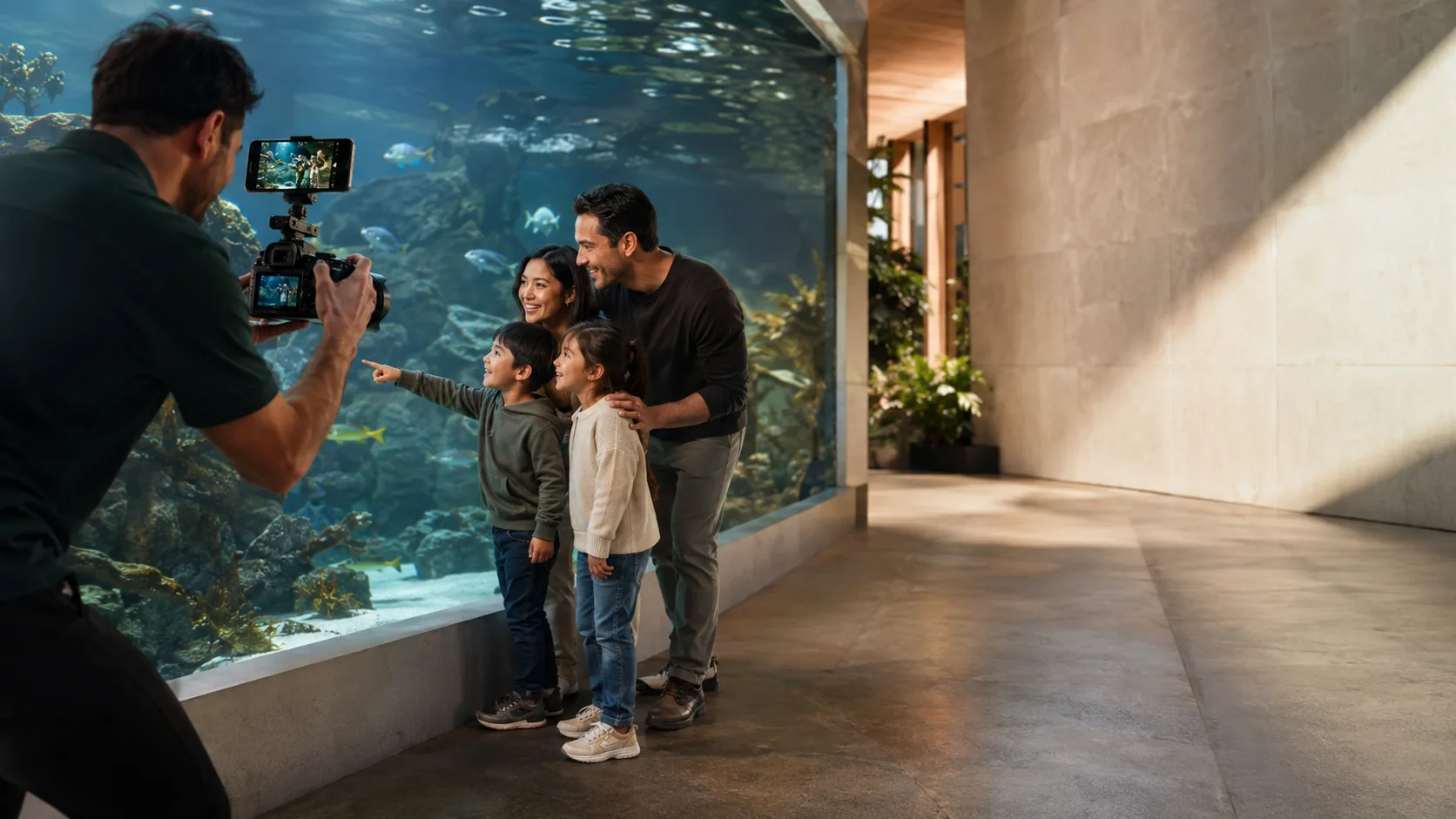
Border library managed in the admin portal. Border groups per exhibit, per event, per season. Live chroma-key replacement so a behind-the-scenes animal encounter at the zoo can deliver a branded composite with an exhibit-themed background, not a backstage wall.

Inventory: §B.2

Customer galleries that deliver fast

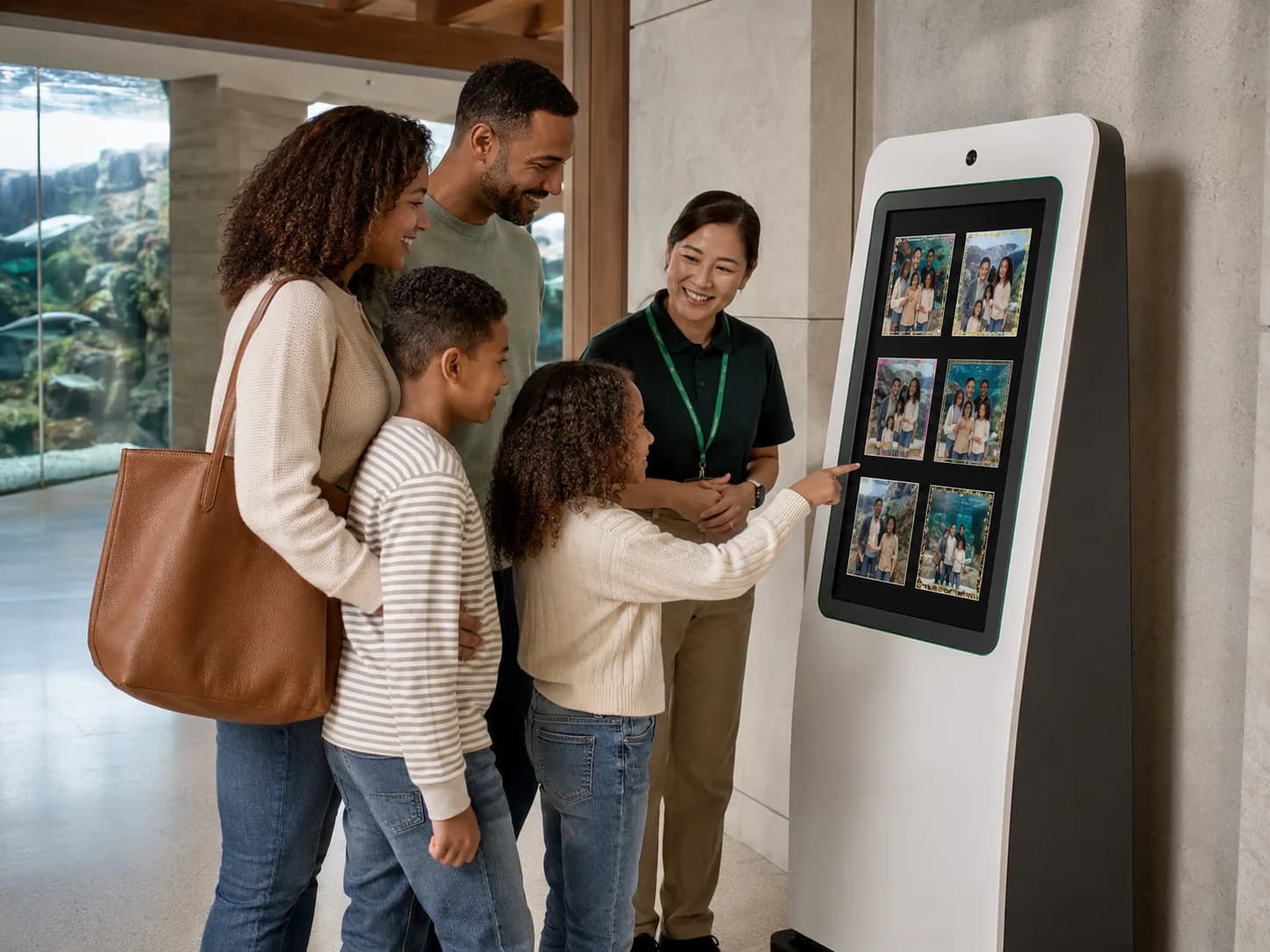
QR-code or SMS-linked galleries per session. Multi-select cart, print packages, digital downloads. Integrated print-lab fulfillment for high-quality framed gifts. 89% attach rate in production environments.

Inventory: §B.3 + §B.8

Venue partner dashboard for development teams

Your venue contacts — the events director, the development manager, the exhibits coordinator — log into a partner portal scoped to their venue. Real-time session counts, KPI cards, hour-of-day distribution. Per-role contact assignment routes the right alert to the right person.

Inventory: §B.7

Composite chroma-key preview at the operator station

Operators at member events see exactly what the customer will receive. Real-time green-screen replacement via WebGL. No print-then-discover moments where the composite came out wrong.

Inventory: §B.2

A typical member-event week

Wednesday — your venue partner (the zoo's development director) sends you the donor list for Friday's behind-the-scenes encounter: twenty-two named guests, four exhibit tie-in composites needed.

Thursday — you create the event window in the platform. Schedule two photographers, one performer for the encounter narration. Configure the border group with the four exhibit-themed composites. Send the donor list to the partner portal so the development director can confirm.

Friday evening, 5:30pm — donors arrive for cocktails. 6pm — event window opens, kiosk check-in starts, slot derivation routes families through the encounter at five-minute intervals. By 7:45pm, forty-eight photos captured, twenty-two QR codes distributed.

Saturday morning — galleries are live. Development director sends thank-you emails with the gallery link by 10am. Attach rate and AOV reflect the premium pricing your seasonal revenue config sets for the event (illustrative numbers in pitch decks; your operation's numbers will vary).

Monday — flash report generated for the venue. Revenue, attach rate, gallery activity, post-session ratings, time-on-platform all in the partner's inbox before their team meeting.

See the member-event workflow live.

Bring your event calendar and a sample donor list. We'll walk through the workflow with your actual data shape.

Schedule a demo